
ATEM Advanced Panel
Get Professional Broadcast Style Workflows!
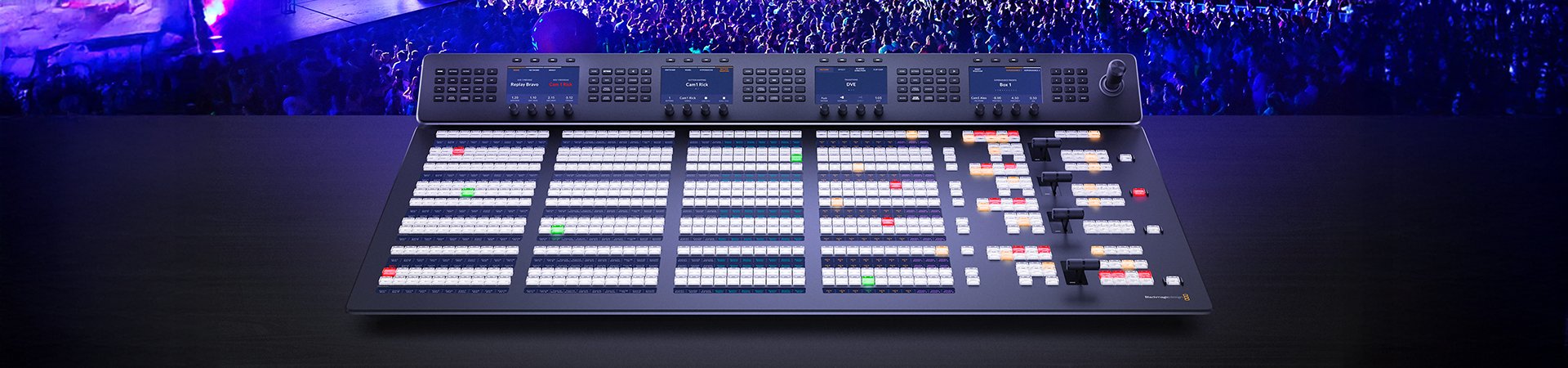
For the ultimate in professional control you can add an optional ATEM Advanced Panel! Although you can use ATEM Constellation with the software control panel, using an ATEM Advanced Panel is so much faster! Or choose the low cost, portable ATEM Micro Panel. ATEM Advanced Panels open up the power of your ATEM Constellation because they give you more control so you can set up more complex effects. It’s also a nicer way to work because you have physical broadcast quality buttons, knobs and a t-bar fader so you can access all features in the switcher, all at the same time. Imagine using the 4 M/E model to access all M/Es simultaneously with an input button for every single SDI source!
Accelerate Live Production!
Production is easier and fun with an ATEM control panel!
Select Sources
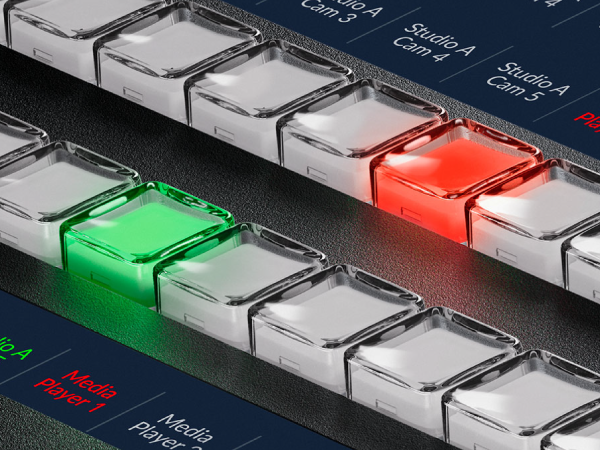
Switch cameras to air instantly!
ATEM Constellation has been designed to give you the most advanced live switching workflow. Internally, ATEM Constellation has separate program and preview buses that you can use to quickly and accurately switch sources. ATEM Constellation lets you see your preview bus selection by using an aux output or on the multi view. Then all you need to do is make selections on the preview bus of the ATEM Advanced Panel, which will appear on your preview screen, allowing you to see your source before it goes on air. Then you can bring the source online by pressing cut or auto! You can also switch sources on the program bus if you need them to go live immediately!
Transition Control
Select and customize transitions
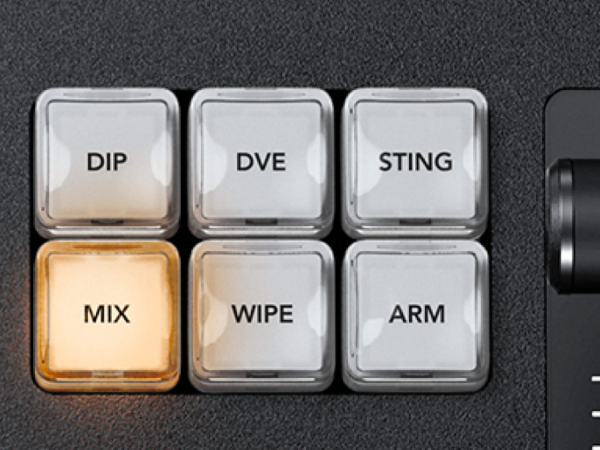
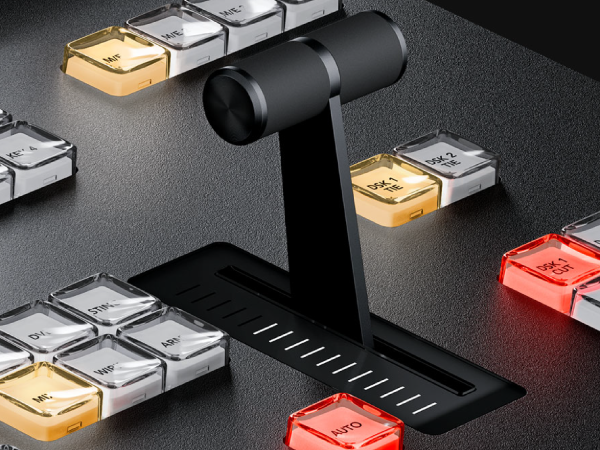
Get total control over your transitions with a dedicated hardware button for each transition type! When selecting transition types, a system control LCD screen will display the options for that transition, so you can change its parameters without navigating through complex menus. It’s all instantly available! That gives you multiple ways to switch. Simply select a new source on the preview bus, then press CUT for a cut transition, or AUTO to use the selected transitions such as mix, dip, wipe or DVE! You can even cut directly on the program bus. With ATEM Advanced Panels you get all the controls you need to access all transition types fast.
Transition Styles
Mix, dip, wipe, DVE and more!
ATEM switchers give you a huge range of transition styles! Mix transition will smoothly blend between sources just like an NLE cross dissolve. Standard SMPTE wipes are included and wipes can have edge softening for smooth dreamy transitions that are more exciting than simple cross dissolves. Dip transitions create a dip to color effect, however because you can dip to any video source, you could create really innovative effects! DVE transitions use the DVE to create crazy moves where the whole foreground image moves! Plus you can combine the DVE and a still image from the media pool to create graphic wipes! The t-bar fader even lets you manually position the transition for total control!
Joystick
Get precise DVE control
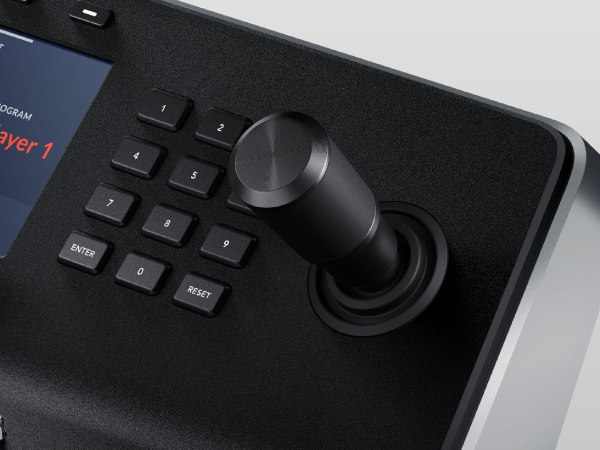
Move elements around the screen using the Joystick! With full 3 Axis control you can adjust X, Y and Z positions of wipe patterns and position the ATEM Constellation DVEs. The joystick control with the DVE is ideal to position live video over video. Scale the size, position up down or left and right for the perfect picture in picture effect. You can also use the joystick to move the DVE and enter start and end keyframe screen positions for your own customized animated DVE moves.
System Control
Change switcher settings from the menus!
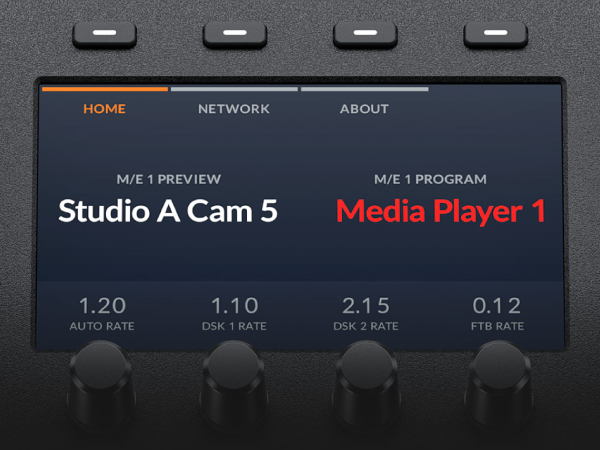
You get full control right from the panel using the system control LCDs. Each system control LCD has a direct access keypad with a button for each function, and LCD and soft knobs and buttons. Simply push a keypad button to see the parameters displayed in the large LCD so you can use the soft buttons and knobs to change each setting. It’s incredibly easy and very fast! There are hundreds of switcher parameters available for keyers, transition selection, DVE, color generators as well as switcher video standard, multiview setup and even input button remapping! You can even save and recall 10 individual panel set ups and store them in the panel! Plus the 2 M/E models have 2 totally independent system control menus, while the 4 M/E model has a massive 4 independent system control LCDs!
Customizable Control Options
Control your ATEM switcher from anywhere in the world!
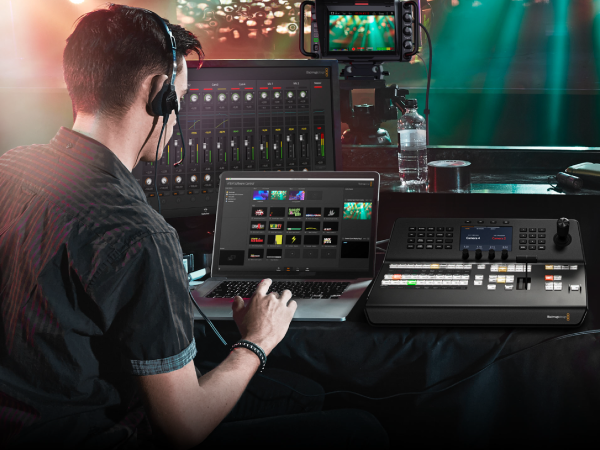
Because ATEM Constellation includes a standard Ethernet connection, you can use this connection to control it remotely from long distances away. The ATEM Advanced Panel, the ATEM Camera Control panel and the ATEM Software Control for Mac and Windows all use an Ethernet connection to the ATEM Constellation, so you can set up any combination of panels you need, for the freedom to decide your ideal control setup. What this means is you can have multiple control panels all working together in parallel and at the same time. Then all these panels can be located anywhere so you could control your ATEM Constellation from the other side of the world!
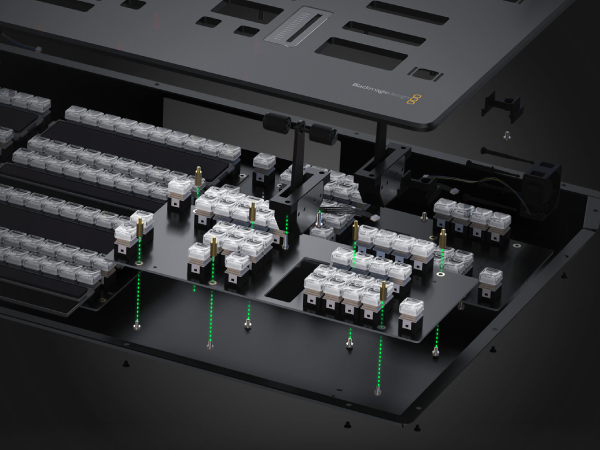
Designed to Be Easily Repaired
With so many physical buttons, LCDs and controls built in it’s vital that ATEM Advanced Panels can be easily repaired! Live production is fast paced and accidental breakages such as drinks spilling on a panel can happen, which is why you need to be able to repair it at low cost. The internal PCBs, fans, LCDs, joystick, t-bar and system control knobs are modular and can all be purchased separately. This includes the PCBs for program and preview buttons, Ethernet, keypad, system control and transition modules. A qualified technician can buy a replacement and easily swap them over by simply removing the rear cover and replacing the part! A large broadcaster could even create a spare parts kit!